Component types
Structure
Every Maker needs a bench with a spark still in it. A Structure is where the work gets done.
What it is
A Structure is a building or machine that stands in a place. It can make things over time, it can be built by players, and it can be upgraded. In a scene it stays where you put it.
Use it for
- A workbench that turns scrap iron into nails.
- A sawmill that turns logs into planks.
- A building players put up themselves from the Build Menu.
- A building that gets better when it is upgraded.
Actions it can have
| Action | What it does here |
|---|---|
| Make things | Runs for a set time, uses up what it needs from the place, and gives what it makes. What it needs is optional. |
| Build | Lets players construct it from the Build Menu, paying its cost (from their bag, unless you choose this place). |
| Upgrade | Moves it up one tier. |
Three more exist for advanced setups: demolishing it, and two that react to events. They are listed under the hood below.
Setting it up
- Play your game, open the game menu and choose Edit this Game.
- In Add Components, click + Create Component.
- In the Create Component dialog, pick Structure.
- Fill in Name and Description Shown Player.
- To let it make things, tick This structure can make things.
- Set Duration (seconds). It starts at 5.
- Under What it makes, add at least one row: the component it gives and how many.
- Under What it needs, add rows only if it should use things up. Leave it empty and the Structure makes things out of thin air.
- Click Create, then drag it from the palette onto the scene.
In Vespera: the Tinker's Bench Play it
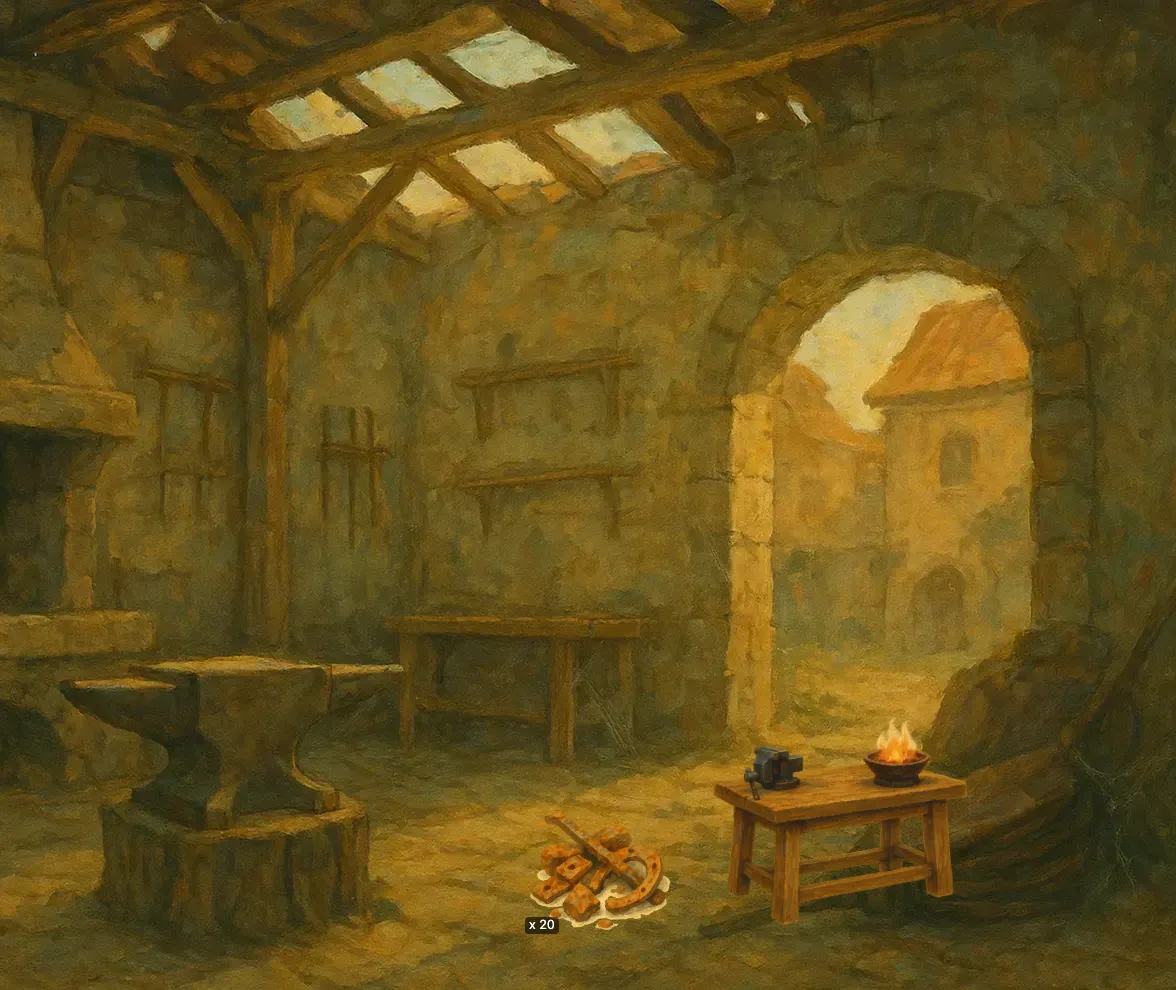
The Tinker's Bench stands in the Silent Forge. It is set to make 2 Iron Nails every 10 seconds. Each run uses up 1 Scrap Iron taken from the place, and it cannot start when the place has none left. Its Material output is set to go to the place, which is the default for Materials.
A pile of 20 Scrap Iron lies beside the bench as a starting item, with a starting count of 20. That is enough for 20 runs and 40 nails before the player has to find more.
Good to know
- Making it buildable. The create form has no Build option. In Edit Mode, drag the Structure onto the Build Menu panel instead: that gives it a Build action and lists it in the players' Build Menu. Set its cost in the property window. The Guild Coffer is built this way: an instant Build from the Build tab of Maren's Stall puts it into an empty spot at the Outpost.
- A share of every reward. A Structure can also take a percent of a reward wherever it comes from. See Process awards.
- Where costs come from. By default, a Build takes its cost from the player's bag, and making things takes what it needs from the place. You can change this for each cost in the property window: from the player's bag, or from this place.
- More than one. Tick Players can have more than one of these and copies stack into one icon with a count. One tap then runs them all, as many as the Structure can afford.
- Where the things it makes appear. Materials go into the place. The first batch waits in the scene's Unplaced Items tray until the player drags it out or picks it up; later batches join it. You can also choose the spot yourself by placing the Material in the scene with a starting count of 0. The Harvest page explains the three cases, and Make things repeats them.
- Let players build it. To put a Structure on the Build Menu with a cost, see Build an idle machine. To leave a spot for it in a scene, see Give a place its starting items.
- Ready at once. A Structure placed in a scene is active immediately. It is only a draft while a timed Build is running.
Under the hood
- A Structure can also be demolished, react to a game event (only partly finished), or react automatically when awards are given (the more reliable of the two).