Action types
Make things
A bench is only a table until it is given work. Make things is the work, and the Maker chooses what goes in and what comes out.
What it is
Make things turns what a Structure needs into what it makes. It runs for a set time. When the time is up, the Structure gives its yield. What it needs is optional: with nothing to spend, the Structure makes things out of thin air.
What the player sees
The player taps the Structure and starts the action. The Structure uses up what it needs from the place when the run starts. When the time is up, it gives what it makes. If the place has too little to run, nothing starts.
Where the yield appears. A Material goes into the place, not the player's bag. Where it shows depends on the place:
- By default, in the Unplaced Items tray. The first time the place gets that Material, it has no position yet, so it waits in the scene's Unplaced Items tray. The player can drag it into the scene, or tap it and press Pickup to put it in their bag.
- Where it stood before. If that Material already has a spot in the scene, new yield joins it there.
- Where you chose. Place the Material in the scene in Edit Mode and set its starting count to 0. The first yield fills that spot.
A Currency goes to the player instead and never reaches the tray. The Harvest page explains the three cases in full.
Which components can have it
A Structure. You can give one a Make things action when you create it or later, in its property window.
Requirements & effects it uses
| Requirement / effect | What it does here |
|---|---|
| What it needs | What each run uses up from the place. Optional. |
| Gives | What each run makes. |
| Also takes, if there is any | Takes up to a set amount of something if the place has it, and never blocks a run when it does not. |
Other requirements and effects are possible. They are listed under the hood.
Setting it up
On a new Structure
- Play your game, open the game menu and choose Edit this Game.
- In Add Components, click + Create Component.
- In the Create Component dialog, pick Structure.
- Fill in Name and Description Shown Player.
- Tick This structure can make things.
- Set Duration (seconds). It starts at 5.
- Under What it makes, add at least one row: the component it gives and how many.
- Under What it needs, add rows only if it should use things up.
- Click Create, then drag it from the palette onto the scene.
On a Structure that has none
The property window offers Let this make something on a Structure with no Make things action. It holds one Make things action. Adding a second needs the advanced settings.
In Vespera: the Tinker's Bench Play it
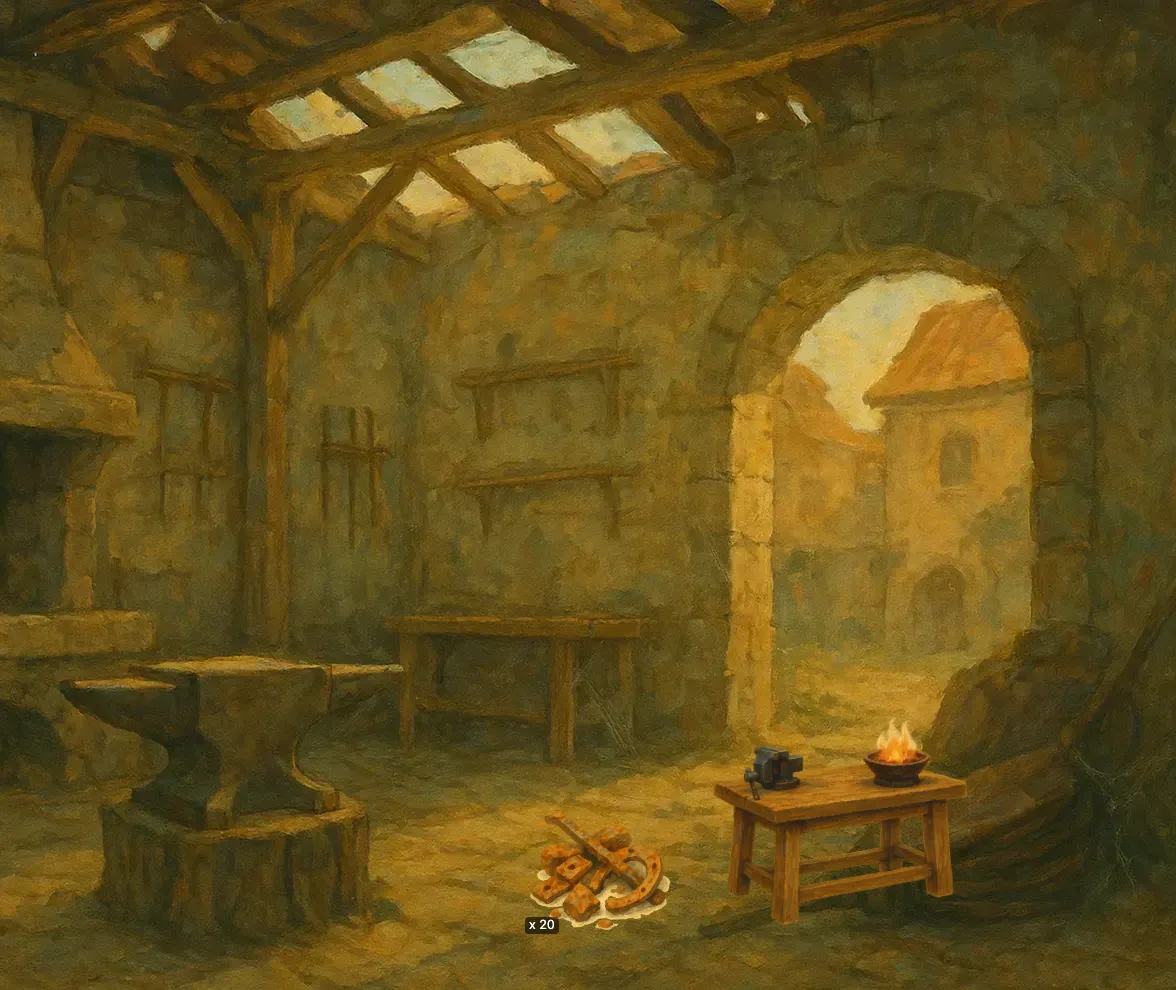
The Tinker's Bench has one Make things action, called "Make nails". It takes 10 seconds. Each run uses up 1 Scrap Iron from the place and gives 2 Iron Nails into the place. It also adds 1 XP to Frono, the player's character. Auto Exec is off, so the player taps the bench for each run.
Good to know
- Needs are optional. A Make things action with no needs is a plain producer, not a mistake. Do not add needs to repair it.
- More than one Structure. Tick Players can have more than one of these on the Structure and copies stack into one icon. One tap runs all of them, as many as the place can afford, up to 1000 at once. Runs are whole: the stack runs as many full cycles as it can pay for, never a part of one.
- Only one allowed. A Structure that players can have only one of always runs one cycle per tap.
- Starved taps. A tap with nothing to spend runs nothing. When a stack can run only some of its cycles, the game tells the player how many ran.
- A full walk-through. Build an idle machine sets the Mill's cost and leaves its Grind running by itself.
- Auto Exec. The property window has an Auto Exec setting: "Start the next round by itself when it can." It works only with Auto Award on and a duration above 0, and the window refuses to save it otherwise. If the place runs out, the Structure stops with the message "not enough inputs to keep running. It starts again by itself when they are back."
Under the hood
- Besides the effects in the table, a Make things action can also need a skill, a tool, research or a character stat, and can change a character's stat (the Tinker's Bench adds XP this way). It can also hold random outcomes and bonus rewards. Some of them can be edited in the property window.
- The action can be set up by the engine on a character as well as on a Structure, but Edit Mode offers it on a Structure.
- A Structure that makes things with no needs is valid, finished content. It is not a half-built converter.