Component types
Story
Some things the Ledger cannot hold in a number. A Story is where you write them down and let them play.
What it is
A Story is a cut-scene or a few lines of dialogue that plays over the game. You build it on a timeline, out of pictures, text and sound. See Story sequences.
A Story is also a component. That means an action can give it to the player, and giving it makes it play. The player can watch it again later from the Journal.
Use it for
- An opening cut-scene that plays when the player first arrives somewhere.
- A character's dialogue, a few captions with a Continue button.
- A one-line message that plays once, when the player gets a certain item.
- A memory or a reward splash when the player touches an object.
Actions it can have
| Action | What it does here |
|---|---|
| Play story | Plays the story when the player starts it. Edit Mode names it Let this play a story on the components that carry stories. |
Setting it up
- In the game's admin pages, click Story Sequences in the left bar.
- In the list, click the story's name. A form titled Configure Your Story Sequence! opens.
- Click Edit Sequence Timeline. The timeline editor opens with the story's layers.
To make a new story, click ADD SEQUENCE above the list. The timeline of a story is built in the editor: see Image layers, Text layers, Audio tracks and Animation.
In Vespera: Intro Story and Waystone Memory Play it
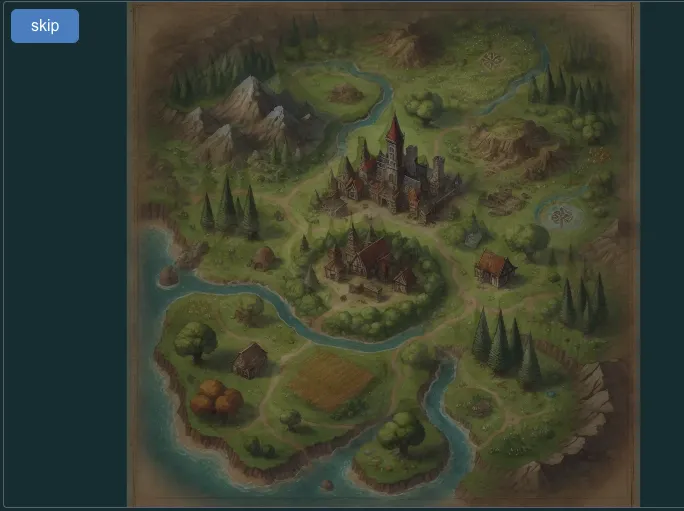
The Intro Story plays when the player first arrives at the Last Outpost. It lasts about 50 seconds, has 26 layers and 15 audio tracks, and is set to play once. Its stage is tall and narrow, it sits on a dark backdrop, and it blocks taps on the game beneath it.
Waystone Memory is given to the player when they touch the standing stone on the Hollow Road. It lasts 20 seconds and does not block taps. The player can watch it again from the Journal: open the Story tab, pick Waystone Memory and press Play. Welcome is the story old Maren plays when she is tapped: three pictures of her, each with a caption that waits for Continue.
Good to know
- Replays are free. The Journal's Play button only shows the story again.
- A story can be limited. Giving the same story again plays it again, unless the story is set to play once. The Intro Story is.
- Play a story when a place is entered. Attach it to the place in the world admin. See Location story.
- Make a story play once. Give the player a marker with the story, and require that the player does not hold the marker yet. A second touch of the Waystone is refused with "Must not have Waystone Memory".
- Words and pictures live in the timeline. The component only carries the story and decides when it plays.
- Creating from Edit Mode. The Create Component dialog offers a Story, with a description for the narrator's picture and one for the marker in the scene. Neither was walked for this page.
Under the hood
- A Story is a component under the hood, so actions can give it to the player. The timeline itself is stored separately from the component.
- A replay from the Journal only shows the story again. It does not run the Play a story action a second time, so that action's requirements and effects happen once, on the first play.
- A Story is never offered as something an action costs. It can be a requirement that is checked and never used up: the player must hold it, or must not hold it yet.
- Edit Mode cannot place a Story in a scene. A Story is placed through a carrier such as an Interactable, or attached to a place.