Component types
Material
Every working Guild begins with a pile of something. A Material is the pile.
What it is
A Material is a stackable thing that games use as an ingredient or as a yield: wood, ore, stone, lumber, nails. Players can find it, gather it or have it made for them. Actions such as Craft, Build and Make things use it up. Many copies of a Material share one stack, and a Material is never unique.
Use it for
- The wood a tree gives when it is harvested.
- Ore that a Structure turns into bars.
- The ingredient a recipe or a building needs.
- Something a shop buys or sells.
Actions it can have
| Action | What it does here |
|---|---|
| Buy | Lets players buy it. |
| Sell | Lets players sell it. |
A Material can also be picked up and dropped by players, with no action to add. One more action exists for advanced setups. It is listed under the hood below.
Setting it up
- Play your game, open the game menu and choose Edit this Game.
- In Add Components, click + Create Component.
- In the Create Component dialog, pick Material.
- Fill in Name and Description Shown Player.
- Click Create, then drag it from the palette onto the scene.
A new Material can be picked up and dragged by players. It takes up 1 unit of space in a bag, and you can change that. A Harvestable's create form asks for something it can yield, so a Material often comes first.
In Vespera: Iron Nails, Scrap Iron and Wheat Sheaf Play it
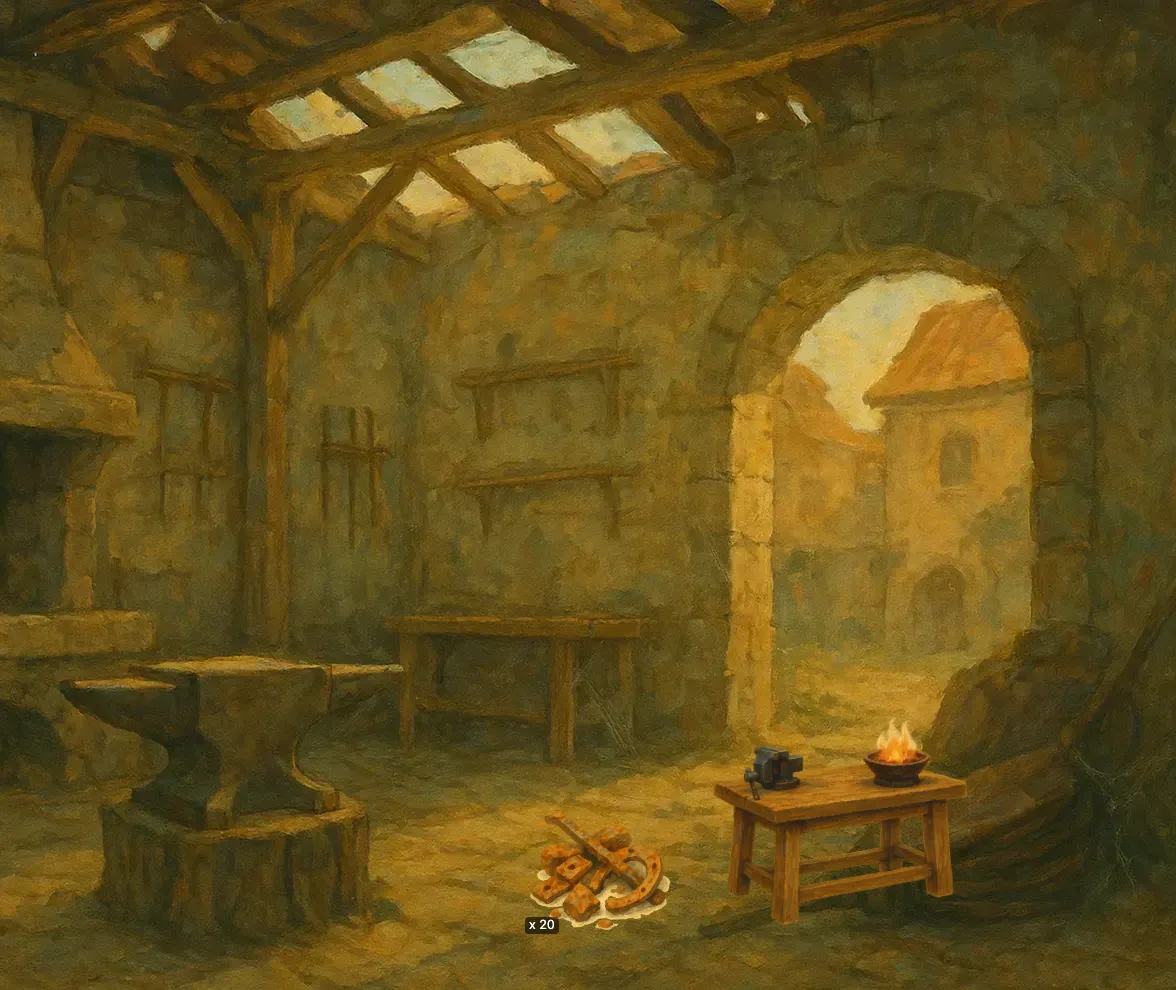
Three of Vespera's Materials appear in the first chapters. Scrap Iron lies beside the Tinker's Bench in the Silent Forge, 20 of it as a starting item. Each run of the bench uses up 1 Scrap Iron from the place. Iron Nails are what the bench gives, 2 per run. Wheat Sheaf is what the Surviving Wheat gives, 1 per harvest.
All three can be picked up and dragged. The Make things page follows the nails from start to finish.
Good to know
- Players can carry it. A Material can be picked up and dragged by default. A Material you leave in a scene can be picked up into a player's bag. See Pick up and drop.
- It arrives in the place first. A Material given by Harvest or Make things goes into the place, not the player's bag. By default it waits in the scene's Unplaced Items tray. The Harvest page explains the three cases.
- One stack, never unique. Copies of a Material stack. You cannot make a Material one-of-a-kind.
- One level. A Material has a single level, so it has no level tags to edit.
Under the hood
- A Material can carry an action that reacts when it is acquired. That includes being picked up into a player's bag, which matters most for a Material lying in a scene.