Action types
Destroy
Some things must fall before the Maker can build. Destroy clears the ground and keeps the good parts.
What it is
Destroy removes something from the game. Before it goes, it can give the player things back, such as planks from a shed or scrap from a ruin.
What the player sees
The player taps the item in the scene and presses the action's button. When it finishes, the player gets what you set as the return, and the item disappears from the scene.
The button shows only on items in a scene. A Gear item in the backpack has no Destroy button there.
Which components can have it
A Structure or a Gear item.
Requirements & effects it uses
| Requirement / effect | What it does here |
|---|---|
| Gives | What the player gets back. |
| Needs a tool | The player must carry a tool, such as a crowbar. |
| Takes health | Each use wears the target's Health down. |
A Destroy can also need a character attribute. That is listed under the hood.
Setting it up
- Select the Structure or Gear in the scene and open its property window.
- Click Add action ▾ and choose Let players destroy this.
- The action starts instant and empty. Set its duration in the action's duration field.
- Under What the player gets back, add a row for each thing it should hand over. New rows go to the player.
An empty Destroy is allowed. On a Gear item, the window adds a note: "Players can destroy this where it lies in a scene, not from their backpack."
In Vespera: the Collapsed Granary Play it
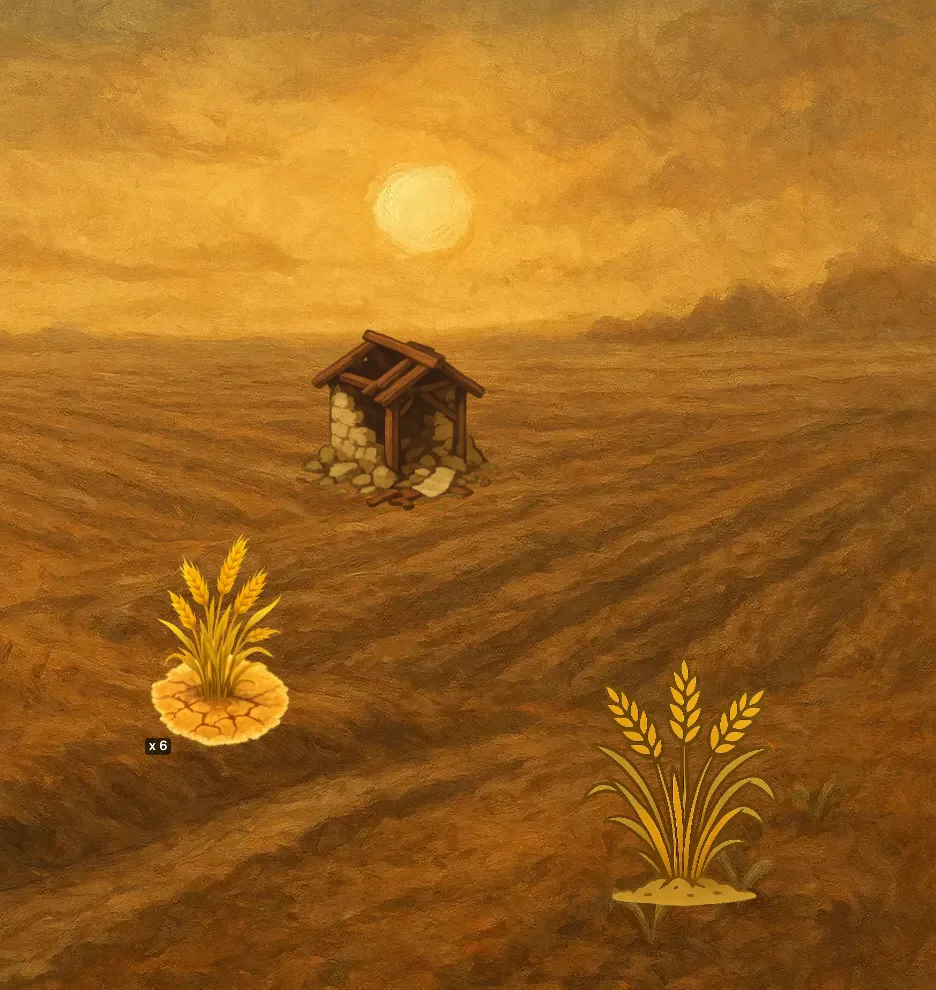
The Collapsed Granary has one action, Clear the rubble, which takes 15 seconds. It gives the player 12 Timber, 6 Scrap Iron, a Ledger Page and the Recipe: Rusty Sickle. Then it vanishes from the field.
Good to know
- It goes to the player. The rewards in the example go to the player's bag, not to the place.
- All of it goes. Destroy removes the whole item. You cannot destroy only part of a stack.
Under the hood
- Destroy removes the whole item, not one of a stack. A stack of five is gone in one go, whatever the amount.
- What the action costs is taken from the player's bag, as with Build. These costs can be set only in the Advanced editor.
- A Destroy with nothing to give is allowed and gets no warning. Tearing something down for nothing is a real choice.
- A Destroy can also hold random outcomes and bonus rewards that depend on what the player has.